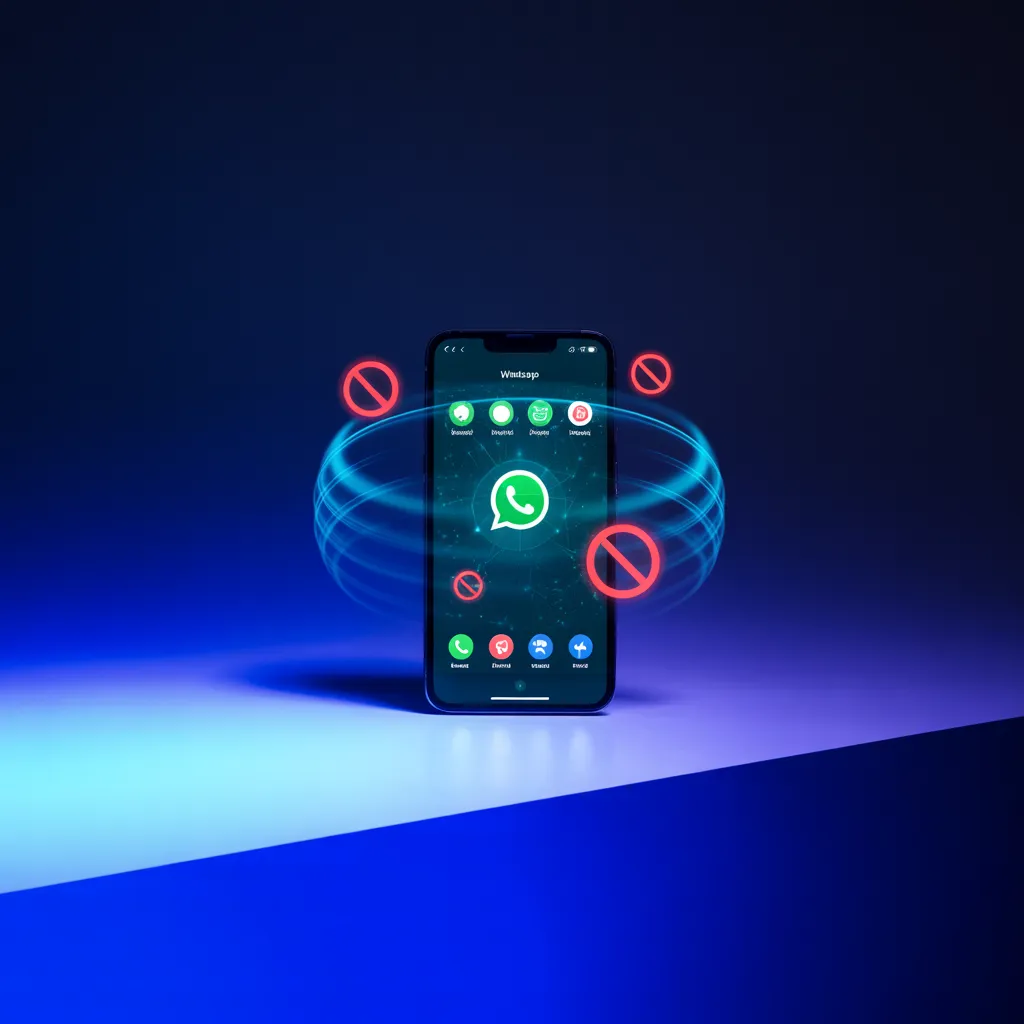
WhatsApp Rolls Out “Strict Account Settings” to Lock Down Accounts Against Targeted Attacks
As cyber threats grow more targeted and personal, messaging platforms are being forced to rethink how they protect high-risk users. WhatsApp’s latest move reflects that shift.
WhatsApp has introduced Strict Account Settings, a new security mode designed to harden accounts against advanced attacks, particularly for journalists, activists, public figures, and others who face elevated threat levels.
Rather than relying on a single control, the feature applies lockdown-style restrictions that reduce exposure to the most common entry points used by attackers.
🛡️ What Strict Account Settings Do
When enabled, Strict Account Settings introduce multiple defensive layers aimed at cutting off attack vectors before they reach the user:
Blocks attachments and media from unknown contacts
This prevents malicious files, spyware, and exploit-laden media from being delivered silently.Silences calls from unrecognized numbers
A direct defense against voice-based phishing, intimidation tactics, and social-engineering calls.Works alongside end-to-end encryption
WhatsApp’s existing encryption protects message content; Strict Account Settings reduce the chances of compromise before encryption even matters.
Together, these controls create a reduced-surface security posture, limiting the opportunities attackers have to engage or escalate.
⚙️ How to Enable It
Enabling Strict Account Settings is simple and user-controlled:
Open WhatsApp Settings
Navigate to Privacy
Select Advanced
Toggle Strict Account Settings (Lockdown mode) on
WhatsApp is rolling the feature out globally over the coming weeks across supported platforms.
⚠️ Security vs. Usability: The Tradeoff
This level of protection doesn’t come without cost.
By design, Strict Account Settings can:
Block legitimate media from new contacts
Silence calls that may be valid but unfamiliar
Slow onboarding of new conversations
WhatsApp is explicit about the intent:
this feature is not for everyone.
Users must evaluate their personal threat model — if you’re a likely target of surveillance, harassment, or intrusion, the added friction may be worth it. For everyday users, standard protections may remain sufficient.
🧠 Why This Matters
This update reflects a broader industry trend: security features are becoming adaptive, not universal.
Rather than forcing the same controls on all users, platforms are offering risk-based security modes — allowing those under real threat to opt into stronger defenses without disrupting everyone else.
For high-value targets, preventing first contact is often more important than detecting compromise later.
🔐 The Elliptic Systems Perspective
Strict Account Settings highlight an important reality:
Most successful attacks begin with unsolicited contact.
By blocking unknown media and calls, WhatsApp is eliminating entire classes of attack techniques — especially those relying on urgency, curiosity, or deception.
At Elliptic Systems, we encourage individuals and organizations to:
Align security controls with actual threat exposure
Reduce attack surface before focusing on detection
Treat communication platforms as security boundaries, not just tools
Security isn’t about convenience — it’s about control.
👉 Schedule a Security Risk Assessment
⚠️ Final Takeaway
WhatsApp’s Strict Account Settings won’t stop every attack — but they make targeted compromise far more difficult.
For users facing real adversaries, that friction can be the difference between safety and compromise.
In today’s threat landscape, locking the door matters more than responding after it’s been opened.
Elliptic Systems — Securing Communication in a Targeted World.


