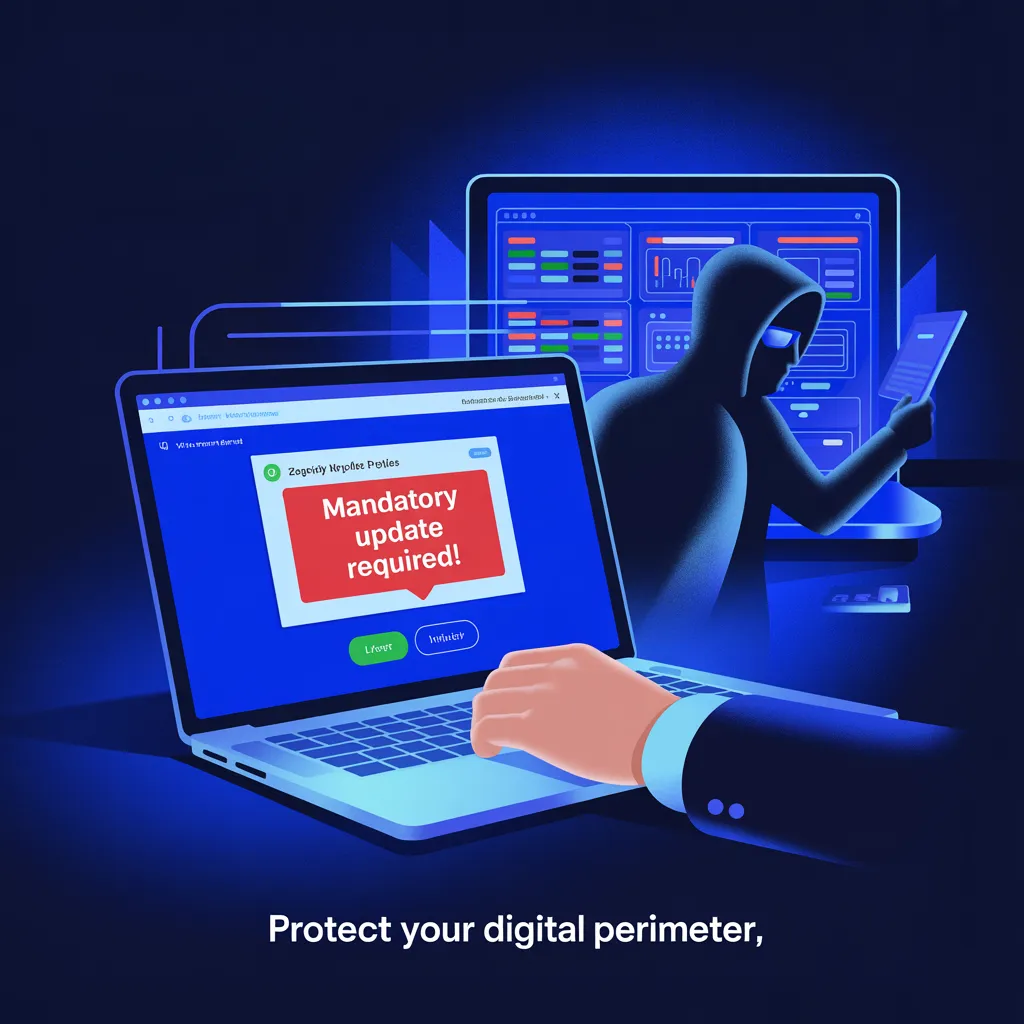
🎥 Fake Zoom & Teams Invites Are Installing Remote Access Tools on Corporate Systems
If your team works remotely, this one hits close to home.
Attackers are launching large-scale phishing campaigns using fake meeting invites from:
Zoom
Microsoft Teams
Google Meet
The twist?
They’re not dropping obvious malware.
They’re installing legitimate, digitally signed remote monitoring tools — and using them against you.
Welcome to the era of weaponized trust.
🎭 The Setup: Fake Meeting Invites That Look Perfectly Normal
It starts with a convincing email.
“Meeting Reminder.”
“Updated Invite.”
“Urgent Call – Join Now.”
The link looks right.
Until it’s not.
Domains like:
These typo-squatted domains are close enough to fool busy professionals skimming their inbox.
Click the link, and you land on a page that looks identical to the real platform.
Participant lists.
Join buttons.
Corporate branding.
Everything feels legitimate.
That’s intentional.
⚠️ The Hook: “You Need to Update Before Joining”
When users attempt to join the fake meeting, they see a pop-up:
“Your conferencing software is out of date.”
“Mandatory update required.”
“Install to continue.”
And here’s where the trap snaps shut.
The “update” is not Zoom.
Not Teams.
Not Google Meet.
It’s a digitally signed Remote Monitoring & Management (RMM) tool.
Examples observed include:
Datto RMM
LogMeIn
ScreenConnect
These tools are legitimate enterprise software.
Which means:
✔ Digitally signed
✔ Often pre-approved in corporate environments
✔ Frequently allowed by endpoint security
From a security standpoint, this is brilliant — and dangerous.
Because antivirus won’t scream.
🧠 Why This Works
Attackers exploit three psychological triggers:
Urgency (“The meeting is starting.”)
Authority (Corporate-looking invite)
Fear of missing out
In hybrid environments where meeting fatigue is real and invites are constant, users click first and question later.
Once installed, the RMM tool gives attackers:
Full remote access
File visibility
Credential harvesting capability
Lateral movement options
Ransomware deployment potential
And since it’s legitimate software, traditional detection tools often miss it.
No exploit needed.
No malware signature required.
Just user approval.
🔥 This Is Living-Off-the-Land 2.0
We used to worry about malicious binaries.
Now we worry about:
Approved admin tools
Trusted SaaS platforms
Digitally signed executables
This is what modern attack chains look like:
Phish → Install Legit Tool → Persistent Access → Escalate → Monetize.
Simple. Clean. Effective.
🛡 Defensive Moves That Actually Work
This is not just a user-awareness problem.
This is a governance problem.
Here’s what organizations must do:
1️⃣ Restrict RMM Tools
Maintain strict allowlists.
Audit installed RMM agents regularly.
Block unsanctioned installs.
2️⃣ Monitor for Abnormal Remote Sessions
Unusual logins?
Unexpected remote control activity?
New RMM agent registrations?
Investigate immediately.
3️⃣ Educate Employees on “Update Prompts”
Video conferencing apps update automatically.
They do not require random executable downloads from web pages.
Ever.
4️⃣ Validate Vendor Domains
Only allow update traffic from:
Everything else? Block and review.
🎯 Strategic Reality Check
Collaboration tools are now a primary attack vector.
The more normal something feels, the more dangerous it becomes.
Email security alone is not enough.
You need:
SaaS abuse detection
Identity-based access controls
Behavioral analytics
Endpoint monitoring that understands “legitimate abuse”
Because attackers are no longer breaking in.
They’re logging in.


