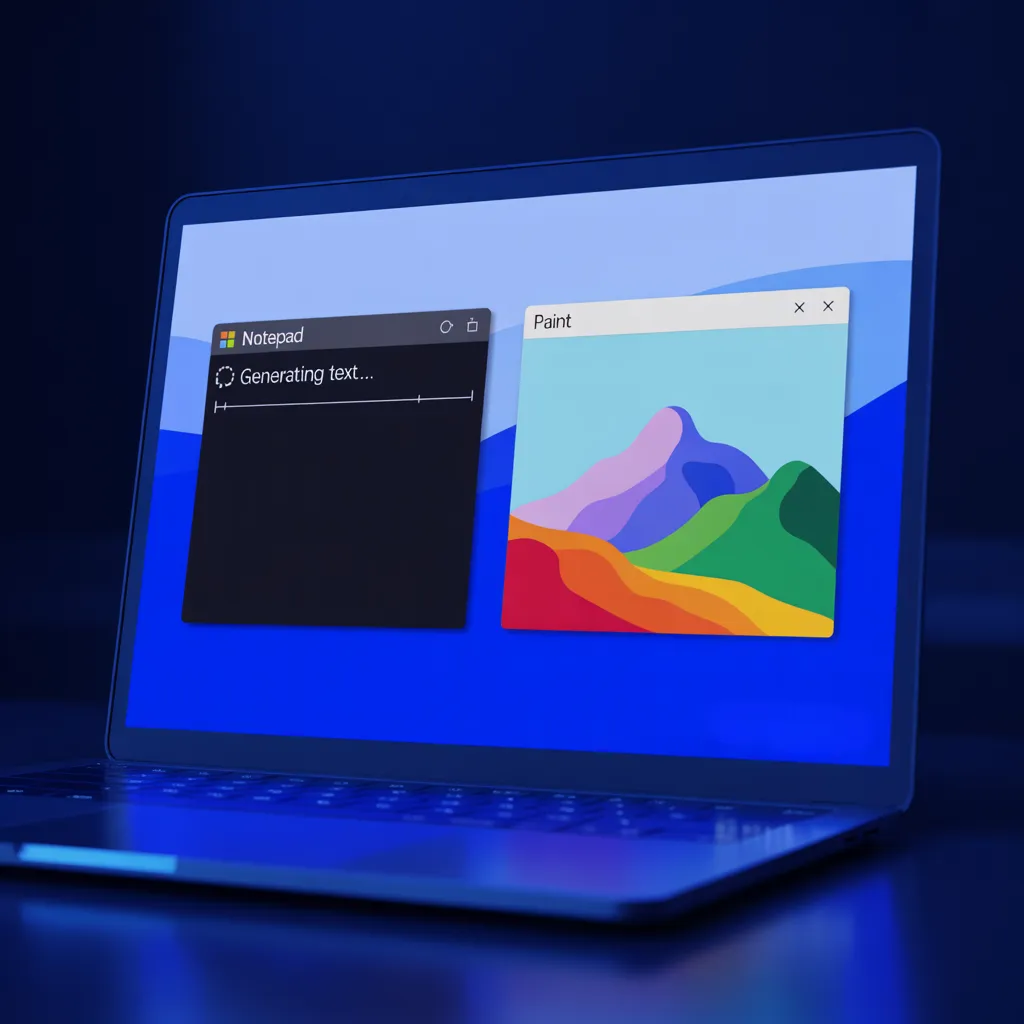
Microsoft Brings AI Into Notepad and Paint, Redefining Everyday Windows Tools
Microsoft is continuing its push to make artificial intelligence a native part of the Windows experience — not just in flagship products, but in the most familiar tools users interact with every day.
The latest updates to Notepad and Paint, now rolling out to Windows Insiders in the Canary and Dev Channels on Windows 11, introduce AI-powered features alongside meaningful usability improvements. Together, they signal Microsoft’s intent to transform even basic utilities into AI-augmented productivity platforms.
📝 Notepad: From Plain Text to Smart Writing Tool
📌 Expanded Markdown Support
Notepad version 11.2512.10.0 introduces richer Markdown functionality, including:
Strikethrough formatting
Nested lists
Users can access formatting through:
The toolbar
Keyboard shortcuts
Direct Markdown syntax
This flexibility caters to both casual note-takers and power users working with structured text.
👋 Redesigned Welcome Experience
Microsoft has added a new onboarding dialog to help users discover Notepad’s evolving capabilities.
The welcome screen provides a guided overview of features and can be dismissed or reopened at any time via the megaphone icon in the toolbar — a small but thoughtful usability enhancement.
🤖 Streaming AI Text Generation
The most impactful change is the expansion of streaming AI output for Notepad’s:
Write
Rewrite
Summarize
Instead of waiting for full completion, users now see AI-generated content appear incrementally — whether processed locally or in the cloud. This reduces perceived latency and allows earlier interaction with results.
All AI text features require Microsoft account authentication, tying usage to Microsoft’s cloud services.
🎨 Paint: AI Creativity Meets Precision Control
🖍️ AI Coloring Book Generator (Copilot+ PCs Only)
Paint version 11.2512.191.0 introduces an AI-powered Coloring Book generator, exclusive to Copilot+ PCs.
Users can enter text prompts like:
“A cute fluffy cat on a donut”
Paint then generates unique coloring pages that can be:
Downloaded
Copied
Inserted directly into the canvas
As with other AI features, Microsoft account sign-in is required.
🎯 Enhanced Fill Tool with Tolerance Slider
Paint also gains a long-requested improvement: a fill tolerance slider.
This allows users to precisely control how the Fill tool applies color:
Low tolerance for clean, precise fills
Higher tolerance for creative or blended effects
Real-time visual feedback makes experimentation intuitive and accessible.
⚠️ Enterprise Considerations
While these updates improve usability and creativity, they introduce new considerations for organizations:
AI features require Microsoft account authentication
Some processing occurs in the cloud
Feature availability may vary due to Copilot+ hardware requirements
Usage data may be subject to Microsoft’s telemetry and AI service policies
Microsoft is actively collecting feedback through the Feedback Hub (WIN + F), suggesting these features will continue evolving based on usage patterns — and potentially security implications.
Organizations should review data handling, identity integration, and cloud dependencies before enabling these features in sensitive environments.
🔐 The Elliptic Systems Perspective
Microsoft’s strategy is clear:
AI is no longer an add-on — it’s becoming the default interface layer.
Embedding AI into core tools like Notepad and Paint blurs the line between productivity and platform services. That shift brings real benefits — but also expands the data surface area.
At Elliptic Systems, we advise organizations to:
Evaluate AI features through a risk-based lens
Understand where data is processed and stored
Align AI adoption with compliance and governance requirements
Convenience and creativity are valuable — but visibility and control remain essential.
👉 Schedule an AI Risk & Readiness Assessment
⚠️ Final Takeaway
Notepad and Paint may seem like simple tools, but their evolution reflects a much larger trend: AI everywhere, by default.
As Windows becomes smarter, organizations must become more deliberate about how — and where — that intelligence is used.
Elliptic Systems — Helping You Adopt AI Without Losing Control.


