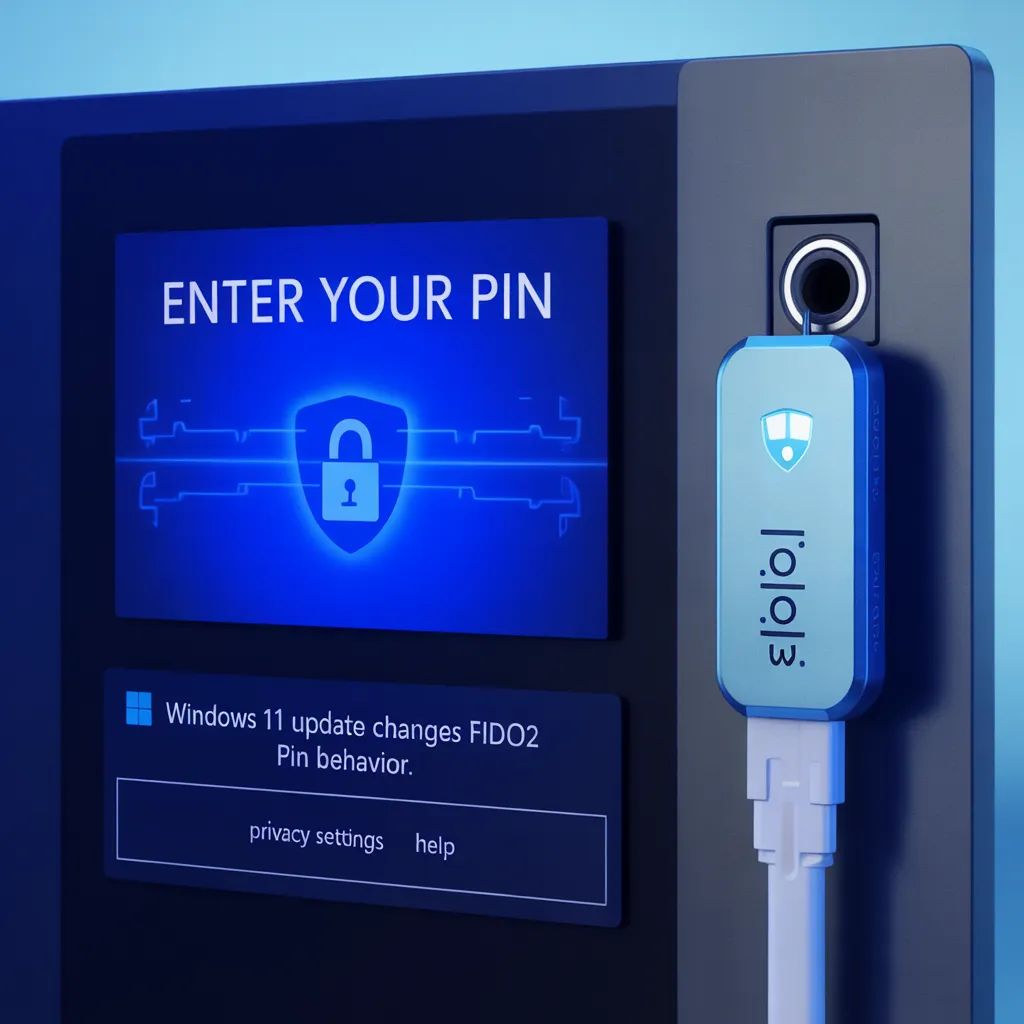
Windows 11 Update Triggers New PIN Requirements for FIDO2 Security Keys—Here’s What Changed
Windows 11 Update Triggers New PIN Requirements for FIDO2 Security Keys—Here’s What Changed
A recent series of Windows 11 updates has quietly changed how FIDO2 security keys behave during authentication — and many organizations are noticing the impact.
Users who previously signed in without a PIN are now being prompted to create one, even if no PIN was configured when the security key was originally registered.
Microsoft has confirmed this is intentional, not a bug — and it brings Windows 11 into full alignment with modern WebAuthn standards.
🔄 What’s Behind the New PIN Prompt?
The behavior began emerging after the September 29, 2025 preview update (KB5065789) and became universal following the November 11, 2025 Patch Tuesday update (KB5068861).
Here’s the trigger:
A PIN prompt now appears when:
A website, cloud service, or identity provider uses
userVerification = "preferred"AND the user’s security key has no PIN configured
Before these updates, users could authenticate with a FIDO2 key without ever setting a PIN. Now, Windows enforces an additional verification layer when the relying party requests it.
📘 Why Microsoft Made the Change
Microsoft updated Windows 11’s authentication flow to stay compliant with the W3C WebAuthn specification, specifically around user verification.
WebAuthn defines three levels of verification preference:
✔ required
The service must verify the user (PIN or biometrics).
Authentication will fail if verification isn't performed.
✔ preferred
The service wants verification if the authenticator supports it.
Under the new behavior, this triggers the PIN setup.
✔ discouraged
The service does not want verification.
No PIN prompt appears.
Most modern enterprise and cloud services — including identity providers, SSO platforms, and passwordless authentication setups — use preferred or required for added security.
This is why users are suddenly seeing the new prompt.
🔐 What This Means for Users and Organizations
✅ 1. Users must create a PIN once
When prompted, users should follow the instructions to configure a PIN.
It only needs to be set one time per security key.
✅ 2. Stronger security across all FIDO2 workflows
Windows now ensures that verification is enforced consistently — both at registration and during authentication.
✅ 3. Help desks may see increased ticket volume
Organizations should proactively alert staff about the new prompts to avoid confusion.
✅ 4. Applies to:
Windows 11 version 24H2
Windows 11 version 25H2
Systems with KB5065789 or KB5068861 installed
🧭 Elliptic Systems Recommendations
✔ Notify users ahead of time to minimize authentication friction
✔ Update internal documentation for passwordless login procedures
✔ Confirm PIN policies for FIDO2 devices across identity platforms
✔ Train IT support teams to handle PIN-creation inquiries
✔ Encourage organizations using passwordless strategies to adopt PINs or biometrics as part of their identity flow
The shift may surprise some users — but in practice, it enhances verification security and aligns Windows with global authentication standards.


