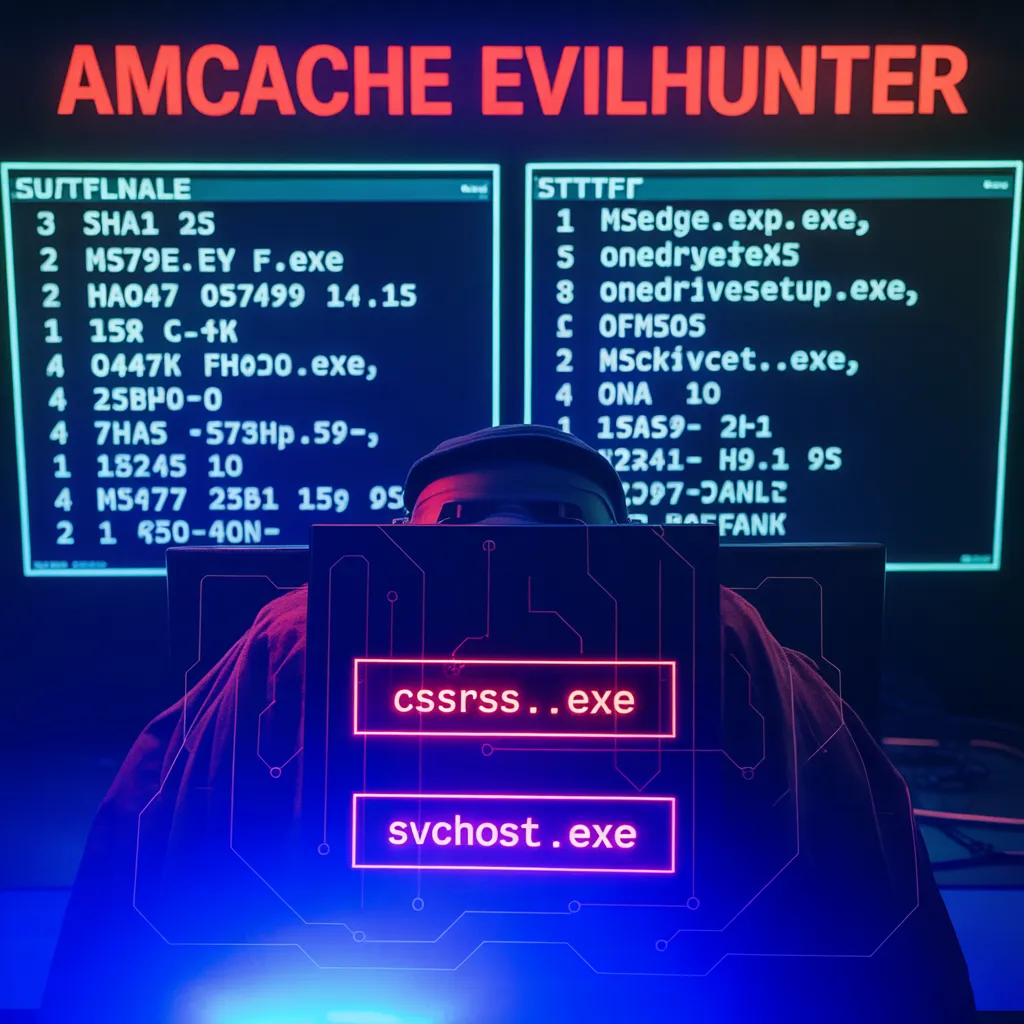
AmCache-EvilHunter: A Practical Tool for Faster Windows DFIR

Kaspersky researchers released AmCache-EvilHunter, an open-source Python utility that automates parsing the C:\Windows\AppCompat\Programs\Amcache.hve registry hive, extracts execution metadata (paths, timestamps, publisher data, SHA-1 hashes) and performs built-in threat-intelligence lookups to speed IOC generation and incident response. For organizations focused on rapid detection and containment of fileless or self-erasing malware, this tool materially shortens mean time to insight.
Why AmCache still matters in 2025
AmCache is a nearly tamper-proof store the OS maintains that records metadata about executed files. Because some malware auto-deletes or attempts to cover its tracks on disk, AmCache often preserves traces of execution that would otherwise be lost—making it one of the highest-value artifacts during Windows forensic investigations. AmCache stores SHA-1 hashes of executed files, allowing responders to quickly query public feeds like VirusTotal or Kaspersky OpenTIP and generate IOCs for blocking and hunting.
In short: when disk evidence is missing, AmCache frequently holds the execution timeline you need.
What AmCache-EvilHunter does (practical overview)
AmCache-EvilHunter is a command-line Python utility that ingests the Amcache.hve hive and extracts structured metadata from keys such as InventoryApplicationFile, InventoryDriverBinary, InventoryApplication, and InventoryApplicationShortcut. The output includes file paths, publisher strings, LinkDate timestamps, binary architecture (32/64-bit), and the SHA-1 FileID—then optionally enriches each hash with VirusTotal/OpenTIP results and detection counts. A simple filter example shows producing a CSV of executables between specific dates for rapid timeline creation.
Key productivity features include:
Automated extraction of execution metadata (no manual registry parsing).
Built-in intelligence lookups (VirusTotal, OpenTIP) appended to results for immediate prioritization.
Heuristic “–find-suspicious” filtering for noisy reduction (flags one-letter names, random hex filenames, typo-squatting such as scvhost.exe).
Options to exclude signed OS components or missing-publisher entries to reduce false positives.
Modular design for adding custom IOC feeds or SOAR integration; code is available on GitHub for Windows and Linux deployments.
How security teams should use it (playbook)
Prioritize AmCache extraction during initial triage.
As soon as you suspect compromise—even if disk artifacts are sparse—capture Amcache.hve (and a memory image). Run AmCache-EvilHunter to rapidly build an execution timeline and prioritize hashes for enrichment. The automated lookups reduce manual lookups and accelerate IOC creation.
Integrate into your SOAR / SIEM pipeline.
Use the tool’s modular outputs (CSV/JSON) to feed a playbook that automatically queries VirusTotal/OpenTIP, enriches events, and raises high-confidence alerts. This turns a manual forensic step into an automated detection feed.
Use the heuristics to cut noise—but validate positives.
The –find-suspicious heuristics are designed to surface likely malicious artifacts (random hex names, typo-variants). Treat these as high-value leads for follow-on investigation—don’t auto-block without confirmation.
Hunt for deleted or transient tools.
Search AmCache entries for ProgramId or keywords (e.g., winscp.exe) to reveal tools that may have executed briefly and then been removed. This recovers context many other artifacts miss.
Operationalize periodic scans in sensitive environments.
For high-value endpoints (domain controllers, admin workstations, SOC assets), schedule automated AmCache extraction and scanning to detect stealthy or self-erasing activity sooner.
Capture forensic context.
Combine AmCache results with memory captures and network logs—AmCache gives execution evidence, memory can provide runtime artifacts, and network telemetry links to command-and-control. Together they yield attribution and scope.
Limitations and defender considerations
SHA-1 identifiers are useful, not infallible. AmCache stores SHA-1 hashes for quick matching; however, SHA-1 collisions are theoretically possible (practical risk here is low for incident identification but be mindful when relying solely on hash-based remediation).
Not a silver bullet. AmCache can miss some execution paths (e.g., purely in-memory payloads that never trigger AmCache entries). Combine its outputs with memory analysis and endpoint telemetry.
False positives. Heuristics speed triage but should be validated—some legitimate installers or internal tools may trigger suspicious patterns.
Quick implementation checklist (15–30 day sprint)
Pull AmCache-EvilHunter from the project repo and validate in a lab environment.
Add a CI job to run the tool against weekly AmCache exports for critical hosts.
Create SOAR playbooks to enrich hashes with VirusTotal/OpenTIP and auto-create incidents for high-confidence detections.
Train SOC analysts on interpreting –find-suspicious outputs and pivoting to memory/network for containment.
Schedule purple-team exercises that include self-erasing payloads to validate coverage.
AmCache-EvilHunter is the kind of pragmatic, targeted tool DFIR teams need today: it automates a high-value forensic task, enriches results with threat intelligence, and reduces the manual toil that slows incident response. For organizations facing sophisticated, self-erasing adversaries, operationalizing AmCache analysis—automated, integrated, and prioritized—turns a frequently overlooked artifact into an advantage. Schedule now


